 3D Printers
 LCD 3D Printer (Resin)
 Education
 Filament
 PETG
 PLA
 Label Pin
 National Crossed Flag
 Materials



User’s Manual
Includes the product function description and configuration guidelines.


Original price was: 450 000 ₭.420 000 ₭Current price is: 420 000 ₭.
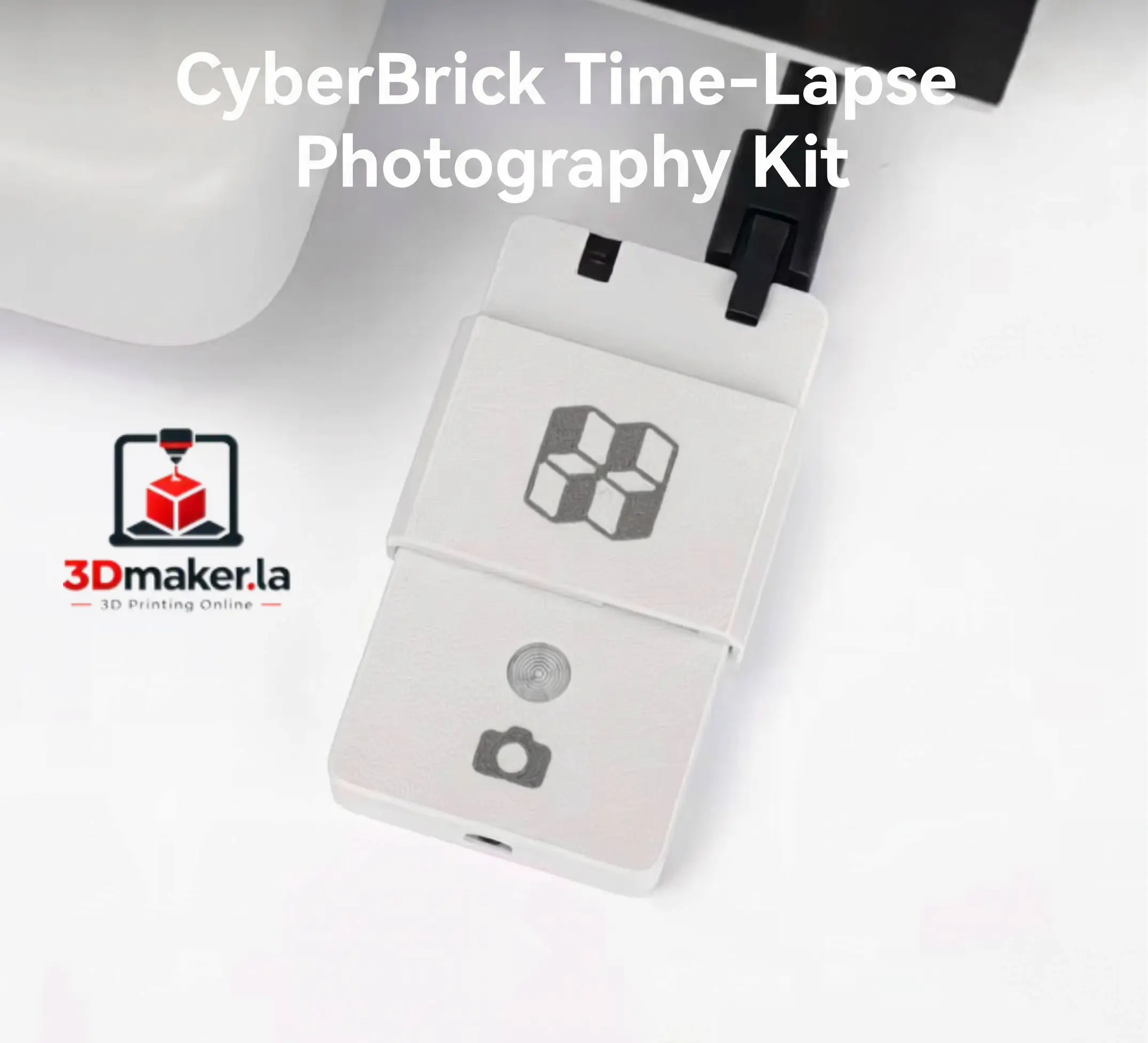
Add To CartThe CyberBrick Time-lapse Kit is an accessory for Bambu Lab 3D printers that automatically triggers an external camera or smartphone (via Bluetooth or a 2.5mm cable) to capture professional, high-quality time-lapse videos of your 3D prints layer-by-layer.
Includes: Circuit boards and a connection cable.
Not included: External camera and the 3D-printed case (users must print the case themselves).
Warranty: 7-day shop warranty for manufacturing defects (requires an unboxing video).
CyberBrick Time-lapse Kit
ແມ່ນອຸປະກອນເສີມສຳລັບເຄື່ອງພິມ 3D ຍີ່ຫໍ້ Bambu Lab ທີ່ຊ່ວຍສັ່ງກົດຊັດເຕີກ້ອງພາຍນອກ ຫຼື ມືຖືອັດຕະໂນມັດ (ຜ່ານບລູທູດ ຫຼື ສາຍ) ເພື່ອຖ່າຍວິດີໂອໄທມ໌ແລັບ (Time-lapse) ງານພິມ 3D ທີ່ຄົມຊັດລະດັບມືອາຊີບ.
ສິ່ງທີ່ມີໃນຊຸດ: ແຜງວົງຈອນ ແລະ ສາຍເຊື່ອມຕໍ່.
ສິ່ງທີ່ບໍ່ລວມໃນຊຸດ: ກ້ອງພາຍນອກ ແລະ ເຄສ (ຜູ້ໃຊ້ຕ້ອງ 3D print ເຄສເອງ).
ການຮັບປະກັນ: ປະກັນຮ້ານ 7 ມື້ ສຳລັບກໍລະນີສິນຄ້າຊຳລຸດຈາກການຜະລິດ (ຕ້ອງມີຄລິບຕອນແກະກ່ອງ).
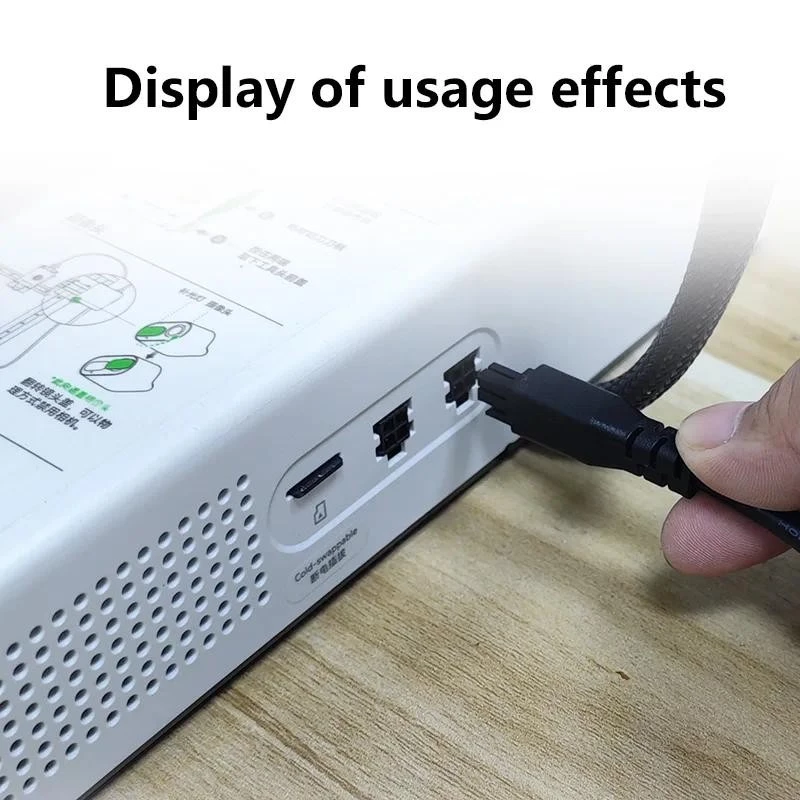
This kit includes a Multi-Function Core Board and a Time-lapse Trigger Expansion Board. Just install the core board onto the expansion board, connect it to your printer with the Bambu Bus cable, and follow the wiki to quickly pair your camera. The core board comes preloaded with the required firmware, so you can start time-lapse photography right away.


| Item Number | Component | Description |
| 1 | 4-Pin interface | Connect the printer 4pin interface |
| 2 | 6-Pin interface | Connect to AMS 6pin interface |
| 3 | 2.5mm shutter cable interface | Connect the camera shutter cable and control the camera shutter |
| 4 | Multi-function buttons & Indicator lights | Connection, Debugging, Light language |
| 5 | Servo connection | Connect to the servo to simulate button operation and control shutter release |
| 6 | Multi-Function Core Board access | Plug-in Multi-Function Core Board |
| 7 | Orientation marks | Ensure proper installation alignment |
*The compatibility list is for reference only. Please verify compatibility with other brands/models yourself.
| Android | Requires Android 12 or later |
| iOS | Requires iOS 16 or later |
| HarmonyOS | Requires HarmonyOS 4.2.0 or later |
| SONY | α7C2 / α7M4 / α7R5 / FX30 / α6700 |
| Canon | EOS R7 / EOS R6 / EOS R50 |
| Nikon | Z30 / Z6II |
| Item Name | Time-lapse Kit – ZK005 | 4 Pin -ZH074 | 6 Pin – ZH075 | Expansion Board Only – XA015 |
| Multi-Function Core Board | 1 pcs | 1 pcs | 1 pcs | – |
| Time-lapse Trigger Shield | 1 pcs | 1 pcs | 1 pcs | 1 pcs |
| BT2x6 SHCS Self Tapping Screw | 8 pcs | 8 pcs | 8 pcs | – |
| Bambu Bus Cable-4Pin(260mm) | – | 1 pcs | – | – |
| Bambu Bus Cable-6Pin(510mm) | – | – | 1 pcs | – |
1. Can’t pair with “BBL_SHUTTER” device?
Please delete the paired “BBL_SHUTTER” device information from your phone and try pairing again.
2. Can’t the camera find the “BBL_SHUTTER” device?
If another device occupies the Bluetooth port, it may cause the Bluetooth connection to not be retrieved. Please disconnect the time-lapse photography kit from the printer for 2 seconds and then reconnect.
3. Can’t establish a Bluetooth connection with the paired time-lapse photography kit after restarting the camera?
Press and hold the multifunction button for 2 seconds to try to reconnect the previously paired device. If you still can’t connect, delete the camera pairing information and pair it again.
4. Both the camera and the time-lapse photography kit have been powered off. The kit cannot be automatically connected after the camera is turned on?
Press and hold the multifunction button for 2 seconds to reconnect the previously paired device.
5. Frame dropping phenomenon occurs in the synthesized time-lapse photography video?
iOS device may miss files during photo transfer, please reconnect your phone to your computer to ensure that all photos are copied.
6. How many shooting devices can be controlled at the same time?
Supports up to 4 devices: connect 1 smartphone and 1 camera via Bluetooth, 1 camera via shutter cable, and 1 camera via mechanical servo.
7. Why is it recommended to use the official cable to connect the kit with the printer?
This can avoid the time-lapse photography function not working due to invalid connection between devices to the greatest extent.


Reviews
There are no reviews yet.